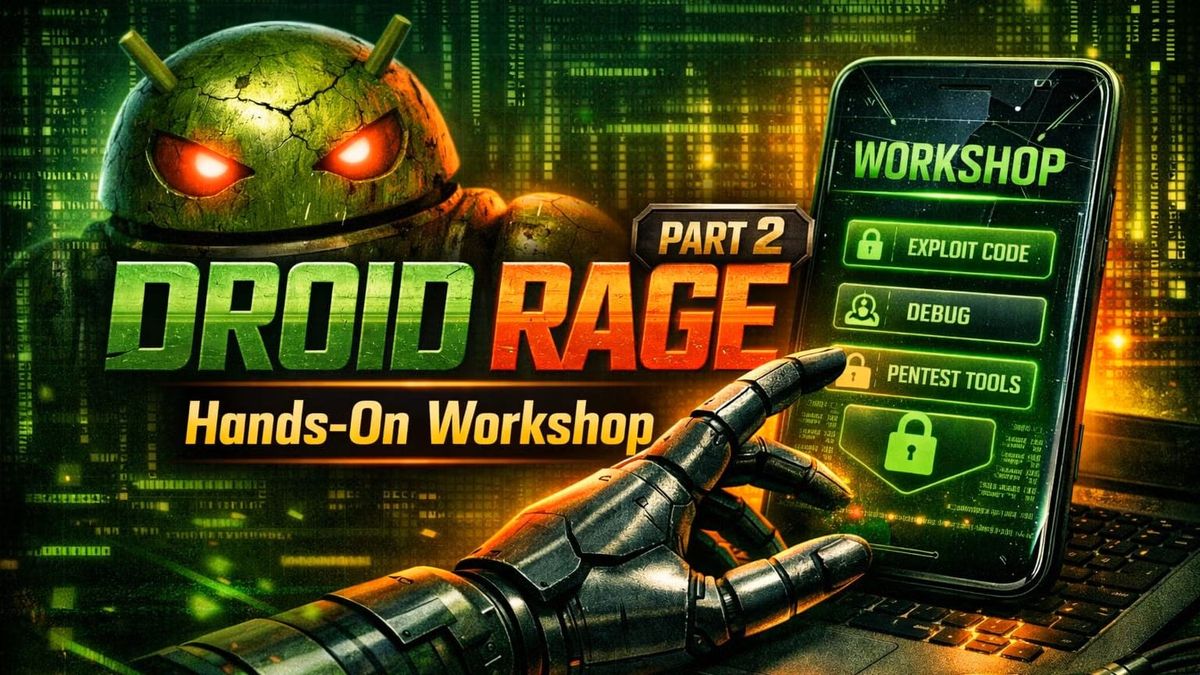
Droid Rage Part 2: Hands-On Workshop
Participants in this workshop will work with Android Studio and a deliberately vulnerable Android application to explore common security flaws and testing techniques firsthand.
Westfield Memorial Library
550 East Broad Street, Westfield, NJ
Large Meeting Room
Meetup.com
Synopsis
Put theory into practice in this interactive Android security workshop. Participants will work with Android Studio and a deliberately vulnerable Android application to explore common security flaws and testing techniques firsthand. Attendees should arrive with Android Studio pre-installed and ready to use, along with the workshop files and emulator setup instructions provided ahead of time.
As the date approaches, we will be providing instructions and tooling for attendees to install before this workshop.
Setup Materials
Please have the following installed and set up before the workshop on July 9.
Tools:
Vulnerable app download:
Creating an emulator with an older Android image:
2. Open Device Manager (More Actions → Virtual Device Manager).
3. Click Create Device and choose a phone model.
4. On the System Image screen, select an older Android version (for example Android 9, 10, or 11). If it is not already installed, click Download next to the version you want.
5. Finish creating the virtual device and start it.
Speaker
Jeremy Chisamore is a Senior Penetration Tester at Oracle specializing in application security, attack simulation, and offensive security testing, with previous experience at industry-leading organizations such as Accenture and Context Information Security. Jeremy holds several industry certifications including OSCP, CISSP, and Security+. He has also been credited with discovering multiple critical CVEs.
Livestream
Photos